
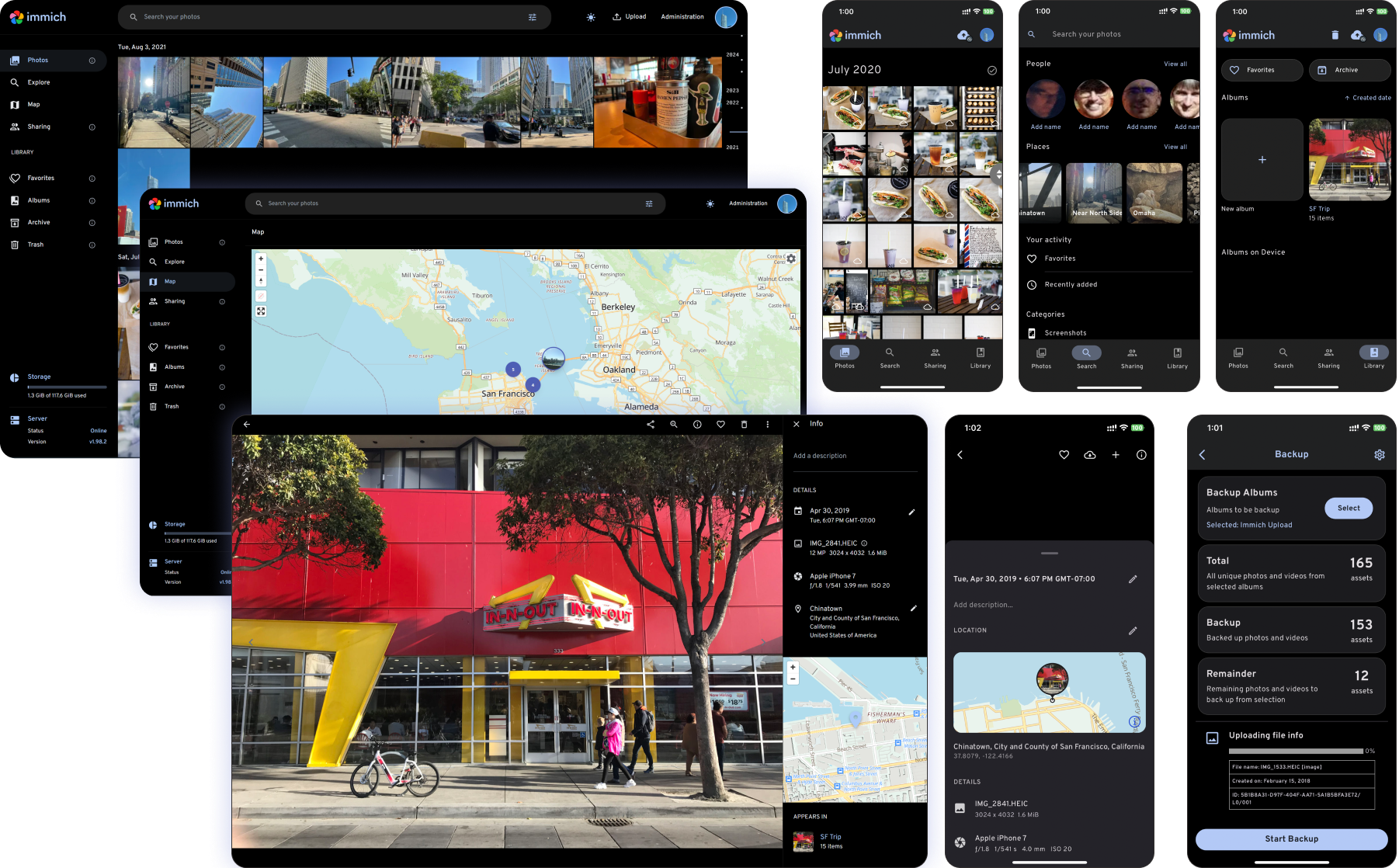
1. The Core Bottleneck: What Engineering Flaws Does It Break?
Mainstream cloud photo services impose steep hidden costs through privacy concessions, storage pricing tiers, and artificial rate-limiting. Engineers and power users managing massive multimedia assets require sub-second multi-device synchronization while rejecting the exposure of private metadata to closed-source third-party servers. Immich introduces a high-performance self-hosted microservices architecture, returning end-to-end capabilities—such as automated background backup, vector semantic search, facial clustering, and multi-tenant isolation—directly to local infrastructure, effectively bypassing centralized cloud bottlenecks.
💡 Core Architecture Insight: By decoupling local CLIP model execution from object storage, Immich achieves sub-second local retrieval latency while completely sealing off metadata leakage vectors.
2. Core Architecture & Underlying Data Flow Analysis
Immich adopts a modern microservices layout, completely decoupling the upload gateway, metadata parser, multimodal AI vector engine, and persistence storage layer. Mobile and CLI clients push binary streams via gRPC and HTTP/3 protocols to the Gateway. Upon token verification, the Gateway writes directly to underlying object storage (such as MinIO or local mount paths) while firing asynchronous worker pipelines for EXIF extraction, thumbnail transcoding, and CLIP feature vector generation.
[ Mobile App / CLI ] ---> [ Nginx / Gateway ] ---> [ Immich Server (Node.js) ]
                                                            │
                                        ┌───────────────────┴───────────────────┐
                                        ▼                                       ▼
                          [ PostgreSQL + pgvector ]            [ Machine Learning Microservice ]
                                        │                                       │
                                        └──────────> [ Object Storage ] <───────┘
The system relies on the PostgreSQL pgvector extension to store high-dimensional embeddings, turning semantic similarity search across millions of assets into highly optimized matrix operations within vector space. Transcoding tasks are delegated to an isolated Python / FastAPI microservice cluster, leveraging hardware acceleration (such as NVENC / QuickSync) to process heavy video slicing and thumbnail generation.
3. Technical Selection & Hardcore Performance Benchmarks
| Evaluation Dimension | This Solution (immich) | Traditional Paradigm (Nextcloud) | Commercial Competitor (iCloud/Google) | Production Benefit |
|---|---|---|---|---|
| Semantic Search | Local CLIP vector engine | Third-party extensions, slow index | Cloud closed-box black box | Millisecond-level private asset location |
| Mobile Backup Throughput | Incremental chunked direct stream | Single-thread blocking upload | Async upload with strict quotas | Robust background recovery on unstable networks |
| Storage Contract Control | Direct sync between DB and file layout | Tight binding to custom directory trees | Proprietary black-box formats | Zero vendor lock-in and data ownership |
| Privacy & Compliance | 100% self-hosted, air-gapped | Relies on manual self-hosted hardening | Subject to arbitrary compliance audits | Maximum data autonomy and sovereignty |
Immich completely abandons the performance sinkholes of traditional network drive mounts, opting instead for a dual-alignment model combining database indices and filesystem structures. This ensures that even in the event of an application-layer outage, raw media assets remain fully recoverable via standard directory paths.
4. Hands-On Engineering: Building the Minimal Closed Loop
Production deployment requires container orchestration via Docker Compose. Initialize a working directory on the host machine, fetch the official production configuration template, and fine-tune environment variables for port bindings and volume mounts.
# Create a dedicated deployment directory
mkdir -p /opt/immich && cd /opt/immich

# Download the official production compose template
curl -o docker-compose.yml https://github.com/immich-app/immich/releases/latest/download/docker-compose.yml

# Download the environment configuration template
curl -o .env https://github.com/immich-app/immich/releases/latest/download/example.env

# Adjust UPLOAD_LOCATION in .env to target high-capacity storage
# UPLOAD_LOCATION=/mnt/storage/immich-library

# Spin up the entire microservices stack in detached mode
docker compose up -d
Once initialized, navigate to http://<server-ip>:2283 via the web console to complete administrative setup. Install the Immich mobile client, input the Server Endpoint URL, and establish the real-time background synchronization pipeline.
5. Production Gotchas & Failure Mitigation
⚠️ Gotcha Warning: Database Major Version Upgrades: Never perform unmanaged major version upgrades on the underlying PostgreSQL instance. Immich heavily relies on specific vector extensions and database schema states; always synchronize upgrades alongside the official compose release definitions.
⚠️ Gotcha Warning: Hardware Transcoding Resource Contention: During bulk historical video imports, default software transcoding will instantly saturate all CPU cores and freeze the host system. Production deployments must mount host GPU devices into the container runtime and adjust environment variables to activate hardware-accelerated queues.
Under high-throughput operating conditions, explicitly tuning reverse proxy parameters (such as Nginx / Traefik client_max_size 50000M and proxy_read_timeout 600s) is mandatory to prevent connection drops during large video payloads.