
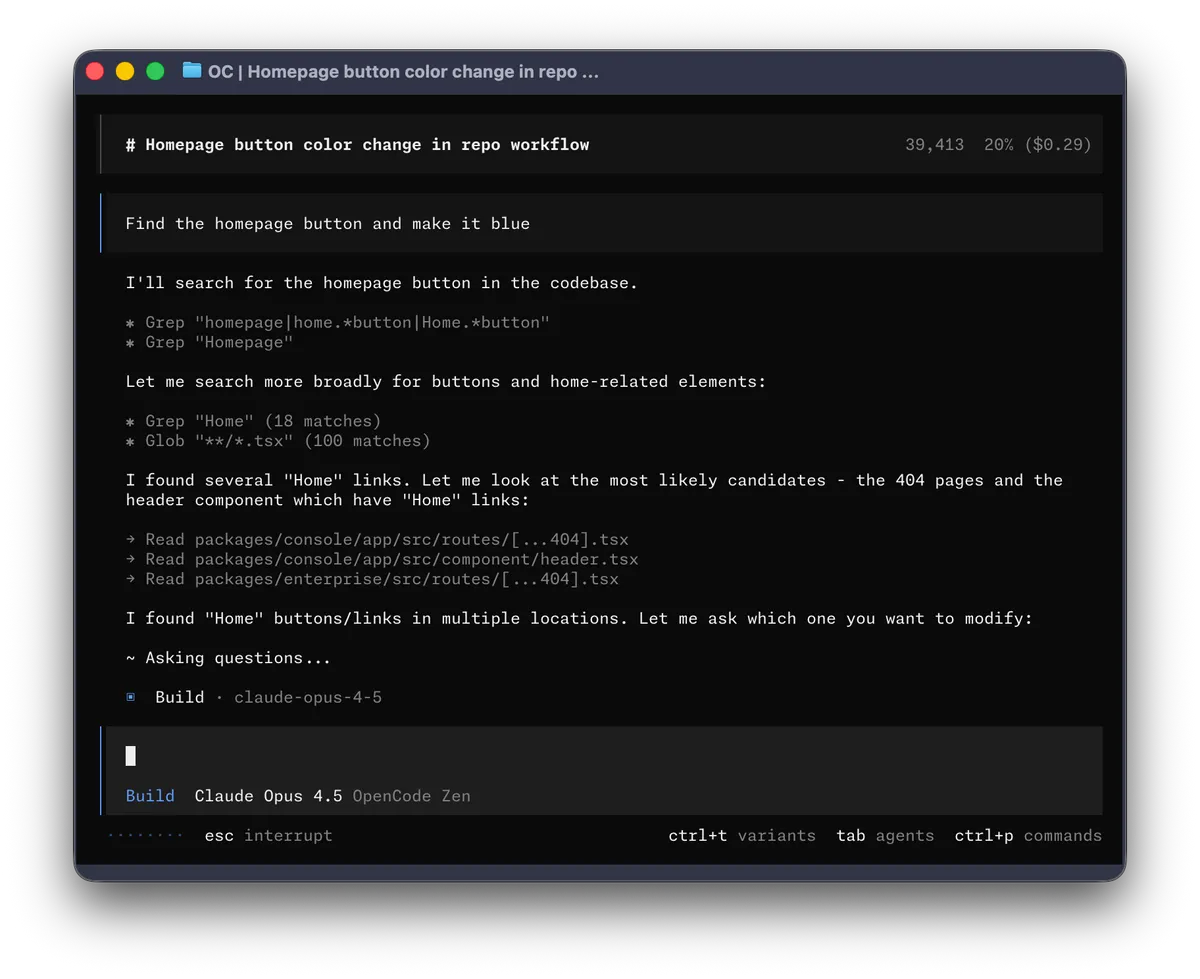
1. The Core Bottleneck: What Engineering Flaw Does It Pierced?
Traditional AI coding assistants suffer from severe context disconnection and permission out-of-control issues. When developers write code in the terminal, plugins often inject unreviewed modifications directly into the core source code, causing version control systems to frequently accumulate dirty data. opencode adopts a dual-agent state machine isolation mechanism, strictly decoupling code generation from code exploration permissions, preventing the blind execution of dangerous commands in production environments.
💡 Core Architectural Insight: By binding read-write permissions and behavioral intent at the state machine layer, opencode forces the AI to complete a full codebase topology scan before taking action.
2. Core Architecture and Underlying Data Flow
-opencode adopts a modular layered architecture. The underlying high-performance parser captures terminal input, dispatching it to corresponding agent workflows via the context routing layer. Users can seamlessly switch execution contexts in real time via the Tab key, while the underlying memory state machine dynamically maintains current repository symbol indices to ensure state consistency across multi-step tasks.
[ Terminal UI / Desktop ] ---> [ Gateway Parser ] ---> [ Context Router ]
                                                               │
                                                               ▼
[ Build / Plan Agent ] <---> [ Execution Engine ] <---> [ Memory Indexer ]
The built-in build agent possesses full source read-write permissions, ideal for daily high-frequency iteration, while the plan agent enforces a read-only mode, intercepting all write operations and triggering interactive confirmations before executing any bash commands. This design establishes a rigorous security defense while guaranteeing engineering efficiency.
3. Technology Selection and Hardcore Performance Benchmarks
| Dimension | This Solution (opencode) | Traditional Paradigm | Typical Competitor | Production Benefit |
|---|---|---|---|---|
| Permission Control | Dual-agent state machine isolation | Single global full-permission | Plugin-level sandbox limits | Prevents accidental core source corruption |
| Terminal Integration | Native TUI / Desktop app | IDE-dependent process | Standalone web UI | Zero context-switching overhead in terminal |
| Distribution | Multi-platform one-install script | Manual environment config | Closed-source app store | Rapid deployment & automated upgrades |
| State Maintenance | Local symbol index memory resident | Re-fetch full files per request | Cloud-hosted vector DB | Reduces latency & privacy leakage risks |
opencode abandons bulky cloud LLM proxy hosting models, running lightweight parsing and routing logic directly on the local machine. This compresses cold-start latency caused by network interactions to the absolute minimum while maintaining execution precision for complex multi-step tasks.
4. Hands-on Geek Practice: Building the Minimal Closed Loop
In Unix-like production environments, pull the latest binaries directly using the official automated installation script. The script automatically detects OS architecture and mounts executables to XDG-compliant paths.
# Deploy opencode on Linux or macOS production servers via official install script
# The script automatically detects system architecture and secures binary deployment
curl -fsSL https://opencode.ai/install | bash

# Alternatively, install via Homebrew for version management (recommended for auto-upgrades)
brew install anomalyco/tap/opencode

# Verify installation and inspect current kernel version
opencode --version
Once installed, launch the interactive terminal interface directly at the root of the target code repository:
# Launch interactive TUI and load current directory symbol index
opencode
Upon startup, the system defaults to the build agent mode. Pressing the Tab key seamlessly switches to the plan mode, which is used to inspect dependency topologies of unfamiliar codebases, ensuring all subsequent modifications occur within secure boundaries.
5. Production Gotchas and Avoidance Strategies
During large-scale production deployments, fine-tuning memory consumption and concurrent agent calls is mandatory. Below are battle-tested avoidance rules from real business scenarios:
⚠️ Gotcha Warning 0.1.x Legacy Conflict: Prior to performing a clean installation, completely purge all legacy 0.1.x binaries and configuration caches to prevent command parser path collisions.
⚠️ Gotcha Warning Plan Mode Escalation: Although the plan agent denies file edits by default, utilizing the
@generalsubagent within high-concurrency multi-step tasks still requires explicitly restricting bash execution permissions to prevent automated scripts from triggering high-risk deletion commands.