1. The Core Bottleneck: What Engineering Pain Point Does It Solve?
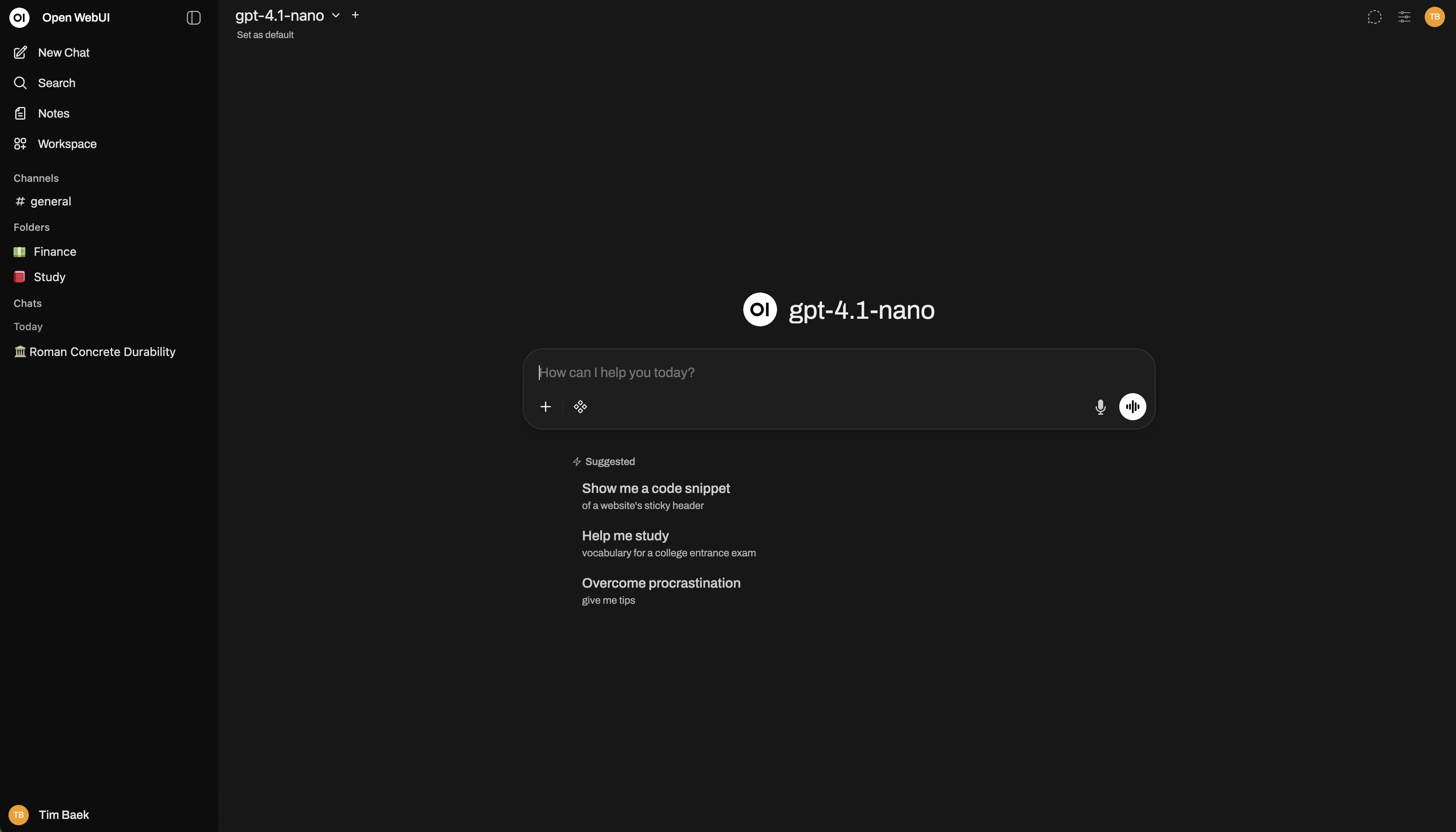
Deploying large language models in enterprise environments often hits a wall of fragmented APIs and disjointed user management. Engineering teams juggle disparate endpoints for local Ollama instances, vLLM inference servers, and commercial cloud providers, forcing them to maintain redundant frontend wrappers and authentication logic. Open WebUI cuts through this complexity by providing an OpenAI-compatible unified control plane that merges local model weights and cloud APIs into a single interface. Teams no longer write custom glue code for every provider, delegating access control, encryption, and session persistence to a centralized architecture.
💡 Architectural Insight: By standardizing APIs and embedding sandboxed execution agents, Open WebUI transforms a standard chat interface into a fully extensible AI operating control panel.
2. Core Architecture & Underlying Data Flow
Open WebUI is built on a modular asynchronous architecture that decouples input parsing, vector retrieval, agent execution, and persistent storage. When a user submits a query containing # triggers, the gateway concurrently queries local knowledge bases and external search providers, injecting multi-source context directly into the inference pipeline.
[ Client / Browser ] ---> [ FastAPI Gateway ] ---> [ Router / Auth Layer ]
                                     │
             ┌───────────────────────┴───────────────────────┐
             ▼                                               ▼
   [ Vector DB / RAG Pipeline ]                  [ Model Providers (Ollama / vLLM) ]
             │                                               │
             └───────────────────────┬───────────────────────┘
                                     ▼
                       [ Open Terminal / Tool Sandbox ]
During vector search operations, the system interfaces with 9 supported vector databases including ChromaDB, PGVector, and Qdrant. Retrieved chunks merge with persistent user memories before streaming back to the client via WebSockets. For multi-step execution tasks, agents directly leverage Open Terminal environments to run scripts and return generated artifacts.
3. Technology Selection & Hardcore Comparative Analysis
| Evaluation Dimension | This Solution (open-webui) | Traditional Implementation | Typical Competitor | Production Benefit |
|---|---|---|---|---|
| API Compatibility | Native Ollama + any OpenAI-compatible endpoint | Hardcoded single-vendor APIs | Closed commercial consoles | Eliminates gateway maintenance overhead |
| Retrieval (RAG) | 9 vector DBs + hybrid search (BM25 + Vector) | Custom Python ingestion scripts | External SaaS knowledge bases | Millisecond local recall without data leaks |
| Access Control | Granular RBAC, LDAP/OAuth, SCIM 2.0 provisioning | Basic user tables with manual checks | Expensive enterprise-only tiers | Seamless integration with existing IDPs |
| Agentic Execution | Open Terminal sandbox, MCP servers, automations | Chat-only stateless question answering | Requires separate LangChain microservices | Empowers models to run code and manipulate files |
| Horizontal Scaling | Redis session management, OpenTelemetry native | Single-instance memory state | Legacy monoliths with poor container support | Seamless scale-out behind load balancers |
Open WebUI leaves toy-project limitations behind. By returning vector database choices directly to developers and integrating enterprise-grade authentication with distributed session state, it achieves true production-grade readiness.
4. Hands-On Geek Tutorial: Building a Minimal Closed-Loop
For local development, deploying an official Docker container with GPU support is the most robust approach. The following production-ready deployment script hooks into a local Ollama instance.
# Pull and run the Open WebUI container bound to the host network
# -d: Run container in background
# --network=host: Allows the container to directly reach local Ollama on port 11434
# -v open-webui:/app/backend/data: Persist SQLite data and user configs to a named volume
# --name open-webui: Assign a predictable container instance name
# ghcr.io/open-webui/open-webui:main: Official upstream container image tag

docker run -d \
  --network=host \
  -v open-webui:/app/backend/data \
  --name open-webui \
  --restart always \
  ghcr.io/open-webui/open-webui:main
Once the container starts, access http://localhost:8080 in your browser to create the initial admin account. From there, point the settings to http://localhost:11434 to link your local Ollama runtime.
5. Production Deployment Gotchas & Avoidance Strategies
⚠️ Gotcha Warning [SQLite Concurrency Locks]: Under multi-worker or high-concurrency production loads, the default SQLite storage backend triggers database lock contention. Ensure you configure
DATABASE_URLvia environment variables to scale out onto a PostgreSQL cluster.⚠️ Gotcha Warning [RAG Parser Memory Spikes]: When batch-ingesting heavy PDF documents using heavy embedded OCR/parsing engines like Docling or PaddleOCR, container memory consumption spikes dramatically. Constrain memory limits via Docker run flags (
-m 8g) and offload intensive parsing tasks to dedicated worker nodes.