
1. The Core Bottleneck: What Engineering Deadlock Does It Break?
Cloud-based AI coding assistants and editors face inherent architectural bottlenecks when handling complex, long-running local engineering tasks. Developers frequently encounter API token billing traps, context window overflows, and the awkward limitation where cloud sandboxes cannot directly manipulate local databases, SSH sessions, or development servers. Traditional approaches often demand packing and uploading massive project files or relying on exorbitant pay-per-use interfaces, causing daily refactoring and debugging expenses to skyrocket. Desktop Commander MCP adopts the Model Context Protocol to shift control back to the local host client, such as Claude Desktop. The AI ceases to be a remote service invoked indirectly via black-box APIs and instead acts directly as a direct-connect control center equipped with local file system read/write permissions, terminal long-process management, and multi-format document parsing capabilities. This paradigm shift enables developers to fully reuse existing client subscription allowances to directly drive local machines in executing complex shell commands, editing core code, and managing running processes.
💡 Core Architectural Insight: By sinking MCP client capabilities down to the host machine, this architecture bypasses the token economics of cloud APIs, trading low engineering interaction costs for direct local execution privileges.
2. Core Architecture and Underlying Data Flow Analysis
Desktop Commander MCP's underlying architecture is built upon the official MCP filesystem server, extending a rich set of tools to achieve bidirectional control flow between the client and the local operating system. The core runtime comprises a request-parsing gateway, local tool dispatcher, safety guardrail validation layer, and dynamic execution engine. When a user inputs instructions in Claude Desktop, the MCP protocol translates natural language into standardized JSON-RPC tool-call requests, captured and verified by the local server process.
[ Claude Desktop Client ] ---> ( MCP Protocol / JSON-RPC ) ---> [ Desktop Commander Server ]
                                                                         │
                                                                         ▼
[ Local Files & Terminal ] <--- [ Execution Engine & Safety Guardrails ] <--- [ Tool Dispatcher ]
The safety guardrails intercept boundary-crossing risks prior to tool dispatch, such as symlink traversal prevention and command blocklist validation. Recursive search modules powered by vscode-ripgrep execute high-performance searches directly within local directories, while terminal output streams pass through pagination control mechanisms to write to local caches before returning to the client, effectively preventing context collapse caused by single oversized outputs. Development servers or database processes running for hours are encapsulated within dedicated session management modules, supporting status queries or direct termination at any time, ensuring host environment stability.
3. Technology Selection and Hardcore Performance Benchmarking
| Evaluation Dimension | This Solution (DesktopCommanderMCP) | Traditional Implementation Paradigm | Typical Competitor Solutions | Production Environment Benefits |
|---|---|---|---|---|
| Billing & Cost | Reuses host subscriptions, zero extra API costs | Token-based billing, costs scale exponentially with code volume | Relies on expensive enterprise API quotas | Daily engineering AI overhead reduced by over 80% |
| Terminal Control | Supports long processes, paginated reading, session management | Supports only single stateless command execution | Restricted to closed sandboxes, no interactive capability | Can directly debug running local services and databases |
| Native Document Support | Native read/write for Excel, PDF, DOCX | Relies on external conversion scripts or third-party parsing services | Restricted to plain text file processing | Office automation and document processing efficiency drastically improved |
| Local Security | Relies on local execution and blocklist interception | Full data upload to cloud sandboxes | Inherent cloud data leakage risks | Sensitive source code and proprietary data never leave local physical boundaries |
| Installation & Integration | Provides one-click npx / bash / script configuration | Manual complex JSON and environment variable setup | Cumbersome installation, depends on specific IDE plugins | Seamless multi-client environment onboarding completed within minutes |
This technology selection thoroughly discards the inertia of hosting code in cloud sandboxes. By binding execution nodes to the local developer's machine, it completely eliminates compliance hazards regarding data leakage while eliminating cumbersome third-party library wrapper steps through native multi-format document handling capabilities.
4. Hands-on Geek Practice: Building a Minimal Closed Loop from Scratch
Before configuring Desktop Commander, ensure the Node.js runtime environment is correctly installed on your local development machine. The recommended installation method utilizes npx to automatically write to Claude Desktop's configuration file and complete dependency initialization.
Execute the following installation command to automatically pull the latest version and write client configuration:
# Automate installation and configuration of desktop MCP server via npx
npx @wonderwhy-er/desktop-commander@latest setup
To enable debugging mode for troubleshooting communication failures, append the --debug parameter:
# Start installation mode with Node.js inspector debugging enabled
npx @wonderwhy-er/desktop-commander@latest setup --debug
To manually verify or modify Claude configuration files, locate the host system configuration path:
- macOS: ~/Library/Application Support/Claude/claude_desktop_config.json
- Windows: %APPDATA%\Claude\claude_desktop_config.json
- Linux: ~/.config/Claude/claude_desktop_config.json
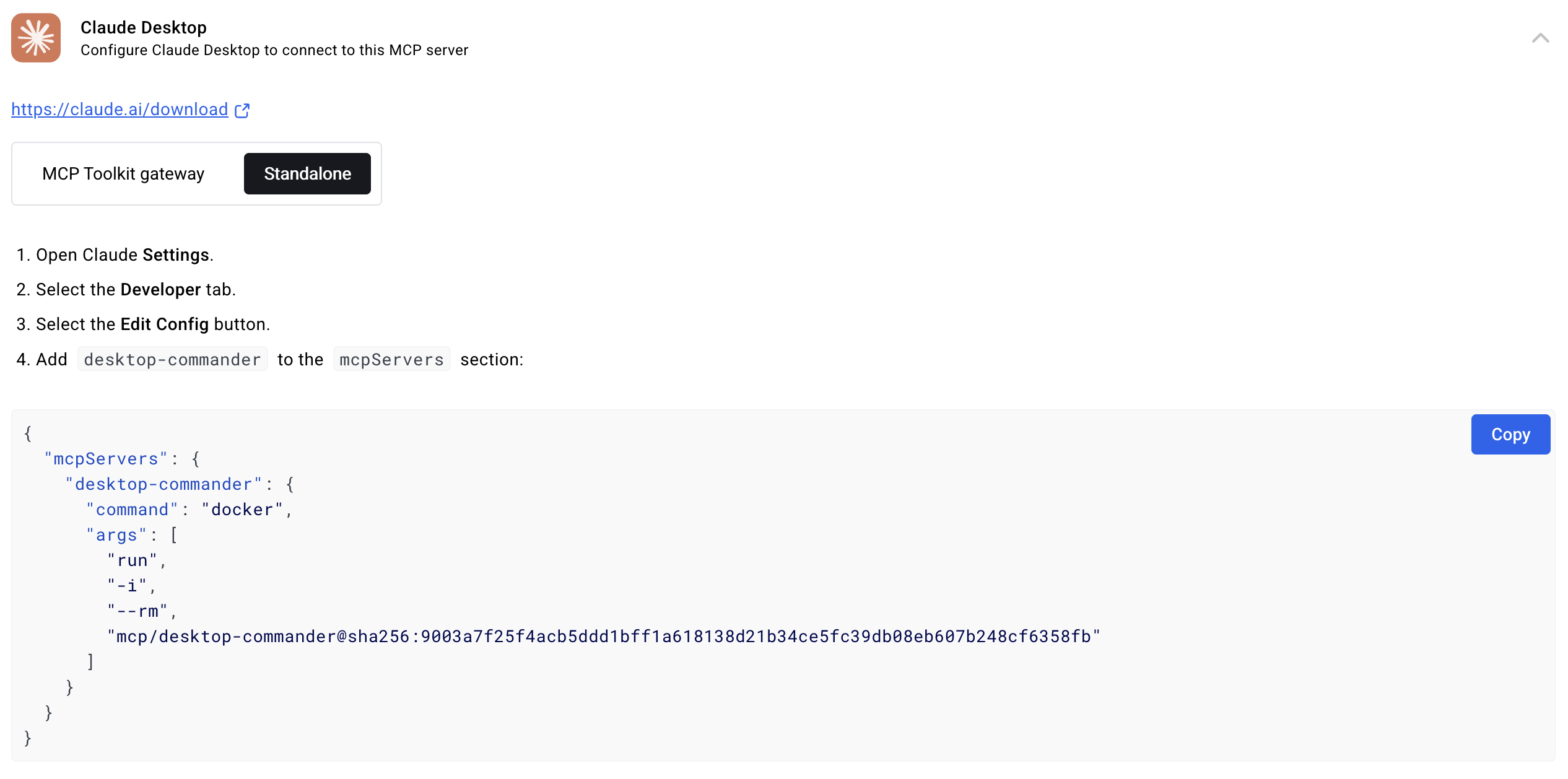
Configuration entry structure example:
{
  "mcpServers": {
    "desktop-commander": {
      "command": "npx",
      "args": [
        "-y",
        "@wonderwhy-er/desktop-commander@latest"
      ]
    }
  }
}
After restarting Claude Desktop, issue the following instruction in the chat interface to verify the minimal loop:
"Please recursively search the current directory for all Python files containing specific keywords and read the last 50 lines of one of those files."
The client will successfully invoke underlying file search and negative offset reading tools, rendering results directly in the interface.
5. Production Deployment Gotchas and Pitfalls
When deploying local MCP tools in genuine production environments, one must acknowledge that it is fundamentally not an absolute sandbox. Because the tool possesses supreme privileges to directly invoke host terminals and modify local files, unconstrained prompts can lead to irreversible data corruption.
⚠️ Gotcha Warning [Command Misoperation and High-Risk Scripts]: Because this tool features native terminal execution privileges, the AI may attempt to execute high-risk deletion or refactoring commands when receiving ambiguous instructions. High-risk operations must be strictly restricted within configuration files or command blocklists to prevent accidental destruction of production databases or core system files.
⚠️ Gotcha Warning [Terminal Output Context Overflow]: When executing tasks such as large-scale log viewing or continuous compilation, massive terminal outputs returned without truncation can instantly saturate the client context window. You must skillfully utilize the pagination output and offset control parameters provided by the tool to read long-process data in chunks.
Periodically running the uninstallation command npx @wonderwhy-er/desktop-commander@latest remove cleans up residual local audit logs, ensuring sensitive operation records do not grow infinitely and consume disk space.