1. The Core Bottleneck: What Engineering Dead Ends Does It Pierce?
Solo developers and lean engineering teams have long suffered from a false dichotomy in deployment tooling. Commercial PaaS providers eliminate operational overhead, but exact heavy financial tolls and restrict infrastructure ownership. Traditional self-hosted workflows, conversely, demand tedious manual configuration of reverse proxies, certificate renewals, and continuous integration pipelines. Each new project forces engineers to repetitively wire Nginx, Docker Compose, and webhooks, driving up maintenance overhead linearly.
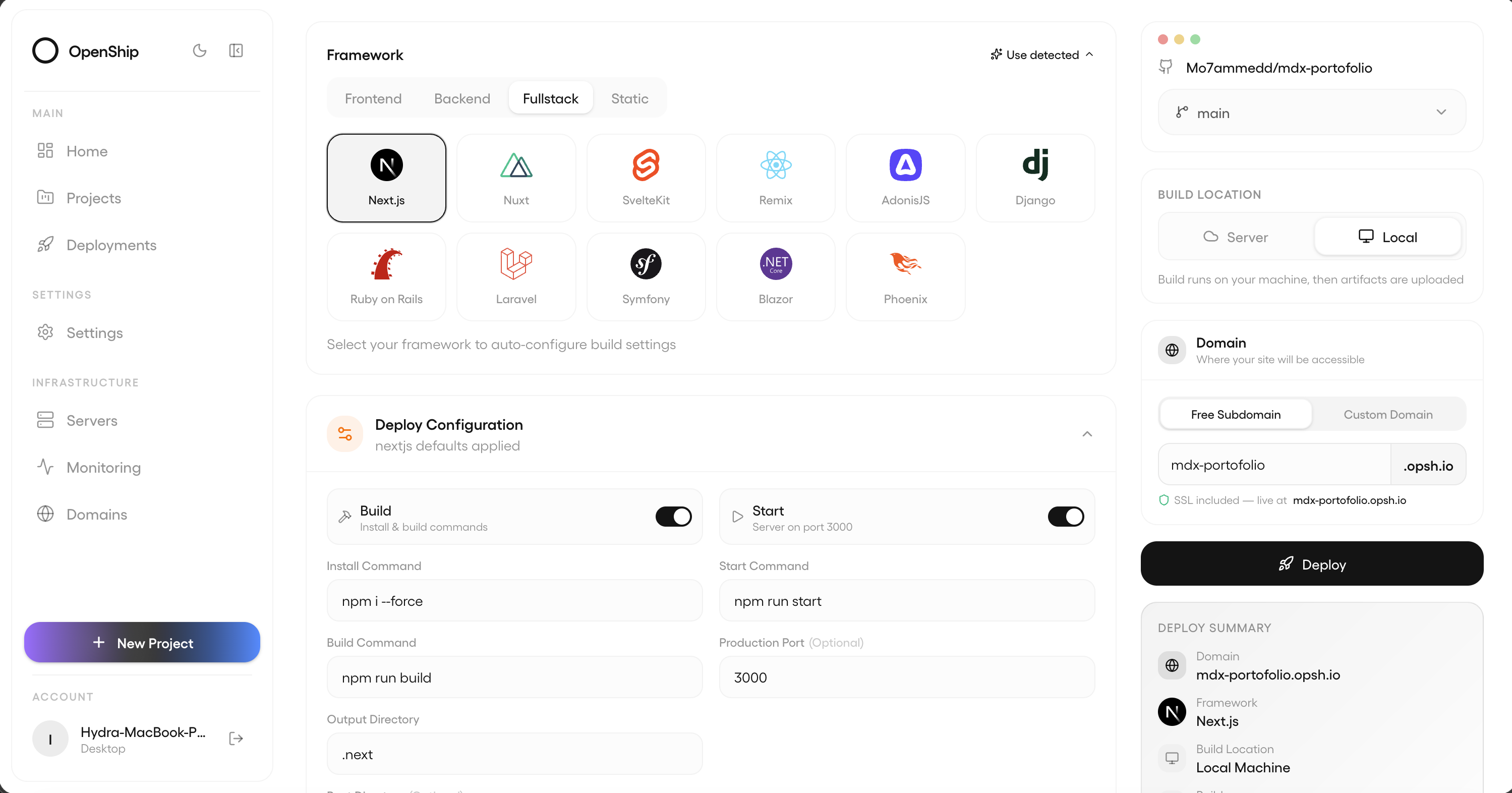
Openship resolves this by decoupling the control plane from the execution plane. For solo developers, the control plane runs locally as a desktop application, securely driving remote target servers over SSH without exposing any public attack surface on the developer's laptop. For team collaboration, the server-side installation uses an interactive CLI wizard that orchestrates PostgreSQL, Redis, API services, and an OpenResty edge layer. This architectural layout compresses hours of infrastructure boilerplate into a single command.
💡 Core Architecture Insight: By pushing the control plane down to the local desktop or on-demand container instances, Openship bridges the cognitive and toolchain disconnect between local development and remote deployment.
2. Core Architecture and Underlying Data Flow
Openship relies on well-defined boundaries between its operational components. The core system includes the CLI driver, the API backend, the persistence storage layer, and the containerized edge router. When a developer triggers initialization and deployment inside a project directory, the data flows along a secure pipeline.
[ Local Project Directory ] ---> [ Openship CLI ] ---> [ SSH / API Transport ]
                                                               │
                                                               ▼
[ OpenResty Edge Router ] <--- [ Docker Compose Engine ] <--- [ Remote Target Box ]
        │
        ▼
[ TLS Termination & Route ]
The CLI tool reads local project metadata and transmits build instructions over an encrypted transport layer to the target server. On Linux servers, the default Compose mode pulls runtime images and dynamically updates OpenResty routing tables. The edge layer intercepts external traffic, manages Let's Encrypt certificate lifecycles, and proxies requests to designated container instances. This data path introduces zero redundant proxies, maintaining low end-to-end latency.
Under the hood, Openship adapts its strategy based on the host operating system. The desktop app activates the local control plane only while active, consuming zero persistent resources on always-on servers. The server installation encapsulates the Docker runtime to unify the database, cache, and reverse proxy under a single lifecycle management umbrella, reducing troubleshooting complexity.
3. Technology Selection and Hardcore Performance Benchmark
| Evaluation Dimension | Openship (This Solution) | Traditional Setup (Nginx + Docker) | Commercial PaaS (Vercel / Heroku) | Traditional Panels (Baota / 1Panel) | Production Benefit |
|---|---|---|---|---|---|
| Initialization Time | Guided single command, ready in < 5 mins | Hours of manual script writing and tuning | Zero config, instant access | Web UI clicking and step-by-step installation | Substantially lowers team infrastructure onboarding overhead |
| Resource Footprint | Zero persistent desktop daemon, on-demand server | Scattered memory usage across isolated services | Opaque third-party cloud consumption | Heavy background processes managed by panel daemons | Frees up valuable server hardware compute resources |
| Certificate Handling | Automated Edge issuance & Let's Encrypt renewal | Requires manual Certbot cron job scripts | Built-in free platform certificate management | Relies on proprietary panel internal plugins | Eliminates business outages caused by expired certificates |
| Control & Data | Full sovereignty on your servers and local box | Full ownership, but severe maintenance burden | Platform lock-in limits, strict data rules | Tied to specific panel ecosystems, hard to migrate | Guarantees absolute ownership of core digital assets |
Openship discards the heavy traditional web panel paradigm in favor of a modern, dual-track CLI and desktop client architecture. This satisfies the hardcore geek requirement for terminal-centric workflows while enforcing production determinism through standard Docker Compose stacks.
4. Hands-On Geek Guide: Building a Minimal Closed Loop
Deploying the Openship server on a production box requires a standard Node.js runtime or can be executed via the official automated bootstrap script.
# Install the server-side CLI via the official bootstrap script (auto-handles Node.js 22+)
curl -fsSL https://get.openship.io | sh

# Start the server as a background daemon bound to a custom domain (auto-handles edge routing & TLS)
openship up --public-url https://deploy.example.com

# Navigate to your project directory and link it to an Openship project
cd /path/to/your-project
openship init

# Execute the remote deploy command to trigger the build and release pipeline
openship deploy
The commands above pull necessary container images and spin up isolated PostgreSQL and Redis instances. openship init generates a local configuration file binding your codebase to a specific application instance. Executing openship deploy packages the source code, pushes it to the build queue, and exposes the secure HTTPS endpoint immediately after edge routing propagates.
5. Production Gotchas and Avoidance Strategies
Deploying Openship directly into production environments requires careful attention to underlying system dependencies and network configurations to prevent deployment failures.
⚠️ Gotcha Warning [Docker Compose Dependency]: The server-side defaults to Docker Compose mode on Linux environments. If the target server lacks a pre-installed Docker Engine or runs an outdated version, the bootstrap script will fail to provision the application stack. Ensure Docker and Compose plugins are updated to stable releases before deployment.
⚠️ Gotcha Warning [Public Port Conflicts]: The OpenResty edge router binds directly to host ports 80 and 443 to handle traffic distribution and TLS termination. If another web server (such as a native Nginx or Caddy instance) is already running on the host, port conflicts will prevent startup. Always deploy server instances on clean virtual machines or dedicated nodes.