
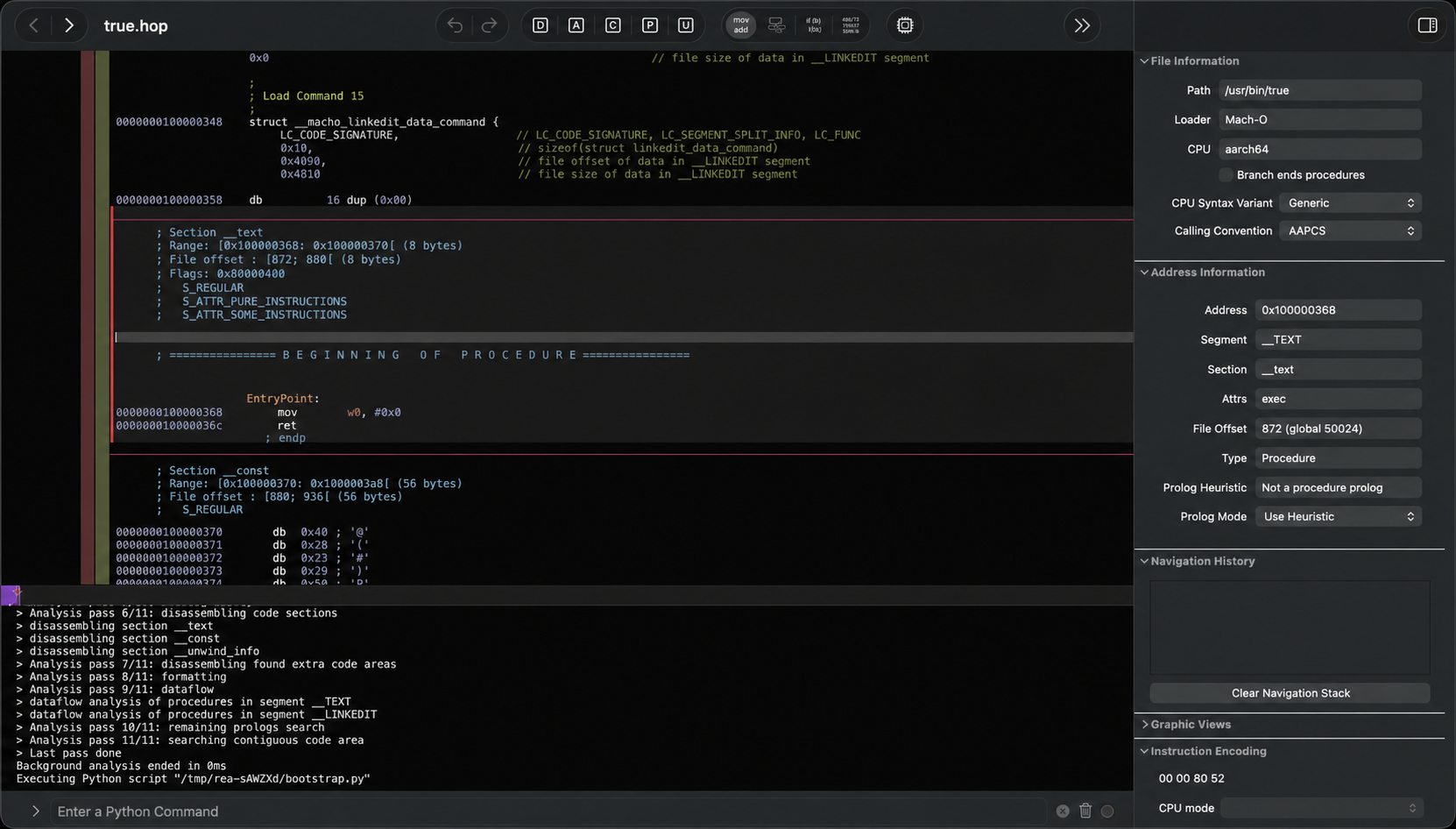
1. The Core Bottleneck: What Engineering Dead Ends Does It Break?
Traditional software reverse engineering has long been bottlenecked by tedious symbol table recovery, obscure assembly jumps, and isolated debugging toolchains. When developers want to replicate a competitor's feature, they are forced into high-friction context switching between IDA Pro, Hopper, Ghidra, and their own IDEs. While large language models excel at code generation, they remain blind in these scenarios because they lack direct access to closed-source binary assets and local agent channels to operate decompiler tools. The morluto/rea project solves this by introducing the Model Context Protocol (MCP), weaving AI agents directly into the inspection pipelines of native binaries and front-end applications. Instead of relying on unauthorized source hosting services, it injects symbol resolution results from local decompilers directly as structured context into the agent, eliminating the chasm between binary insights and product code implementation.
💡 Core Architectural Insight: REA's essence lies in aligning the symbolic reasoning capabilities of LLMs with foundational static analysis engines (Hopper/Ghidra) via standard MCP protocols, granting AI agents the ability to autonomously trace function call stacks.
2. Core Architecture and Data Flow Analysis
REA's architecture is driven by three distinct phases: Decompile, Understand, and Recreate. At the execution layer, it strictly adheres to local-first engineering constraints, ensuring zero binary data is ever uploaded to hosted analysis services. The toolchain injects itself into supported host agents (such as Claude Code, Cursor, Windsurf, etc.) via npx rea-agents setup, establishing bidirectional communication with local decompilers through standardized interfaces.
[ Host Agent / CLI ] ---> [ REA Gateway / MCP ] ---> [ Local Decompilers (Hopper / Ghidra) ]
         │                                                                   │
         ▼                                                                   ▼
[ Recreated Code Output ] <------------------------------------- [ Symbol & Binary Evidence ]
During runtime state transitions, REA maintains a persistent context layer across applications. When developers issue investigation commands in the terminal or agent chat, the CLI triggers locally registered toolchains to open target .app or binary files. Static analysis providers extract strings, function names, and cross-references (XREFS), returning concrete chains of evidence back to the LLM. Armed with these assembly-level facts, the agent deduces the true control flow of the target feature and implements equivalent business logic within the developer's tech stack.
3. Tech Stack & Hardcore Performance Benchmark
| Evaluation Dimension | This Solution (rea) | Traditional Manual IDA/Ghidra | Closed SaaS Reverse Services | Pure LLM Hallucination Guessing |
|---|---|---|---|---|
| Automation Level | AI agent-driven automated tracing | Manual assembly cross-reference hunting | Relies on black-box cloud model guessing | Zero binary grounding, pure hallucination |
| Data Privacy | 100% local execution, zero upload | 100% local execution | Binaries & symbols sent to cloud | Prompts contain business logic code |
| Toolchain Integration | Native MCP & multi-agent support | Complex IDC/Python scripting required | Isolated Web UI, broken developer flow | Zero decompiler toolchain support |
| Output Results | Adapted code backed by concrete evidence | Obscure assembly & decompiled C pseudo-code | Generalized analysis reports | Syntactically valid but logically broken code |
| Environment Deps | Node.js 22+ & Hopper/Ghidra | Heavyweight professional reverse suites | Browser & cloud API quotas | Any LLM API |
The comparative matrix clearly demonstrates that REA preserves the compliance and local execution advantages of traditional decompilers while eliminating massive amounts of manual symbol alignment time through AI agent reasoning. It replaces neither analysis with hallucinations nor safety with shortcuts, grounding LLM prompts in raw binary evidence to yield production-ready code.
4. Hands-on Geek Guide: Building a Minimal Closed Loop
To bootstrap REA's minimal analysis loop on a local workstation, ensure your host meets minimum hardware and software requirements (macOS 12+ or Linux 64-bit, with Node.js 22.x/24.x/26+ installed).
Run the official interactive setup script to bind agents and analysis tools:
# Run the guided setup script to auto-detect system AI agents and inject MCP protocols
npx rea-agents setup
Once configured, verify environment connectivity via the health check command and launch your first reverse engineering analysis on a target app:
# Check host environment, dependencies, analysis tools, and agent configuration state
npx -y rea-agents@latest doctor

# Launch the reverse analysis workflow on a target local macOS application
npx -y rea-agents@latest analyze /Applications/Notes.app
After completing this initialization and restarting your AI agent (e.g., Cursor or Claude Code), issue the production-grade prompt directly in your chat interface:
Understand how search works in the Notes app, show me the evidence, and build a similar feature for my project.
Upon execution, REA drives local Hopper or Ghidra instances to extract relevant symbols, and the agent outputs the underlying chain of evidence in your terminal or editor while generating search logic tailored to your stack.
5. Production Gotchas and Pitfalls to Avoid
Integrating REA into daily development and reverse engineering pipelines requires acknowledging several known engineering pitfalls stemming from the inherent complexity of binary analysis.
⚠️ Gotcha Warning [Missing Binary Decompiler Dependency]: REA relies on locally installed Hopper or Ghidra instances for static analysis capabilities. Failing to correctly bind Hopper or configure Ghidra paths during the
setupphase leaves the agent unable to retrieve low-level symbols and cross-references during analysis, causing the LLM to degrade into pure text speculation. Always verify your analysis toolchain state usingrea doctorprior to execution.⚠️ Gotcha Warning [Windows Platform Experimental Limitations]: Windows support for Ghidra is currently experimental, restricted strictly to native x86-64 PE applications on local NTFS file systems. Attempting to run Windows native analysis across drive letters, network shares, or non-standard containers triggers native Job Object, private-DACL, or path-admission controls. For production use cases, deploy strictly on macOS or verified Linux hosts (Ubuntu 24.04+, Fedora 41+, 64-bit Arch Linux).