
1. The Core Bottleneck: What Engineering Deadlock Does It Break?
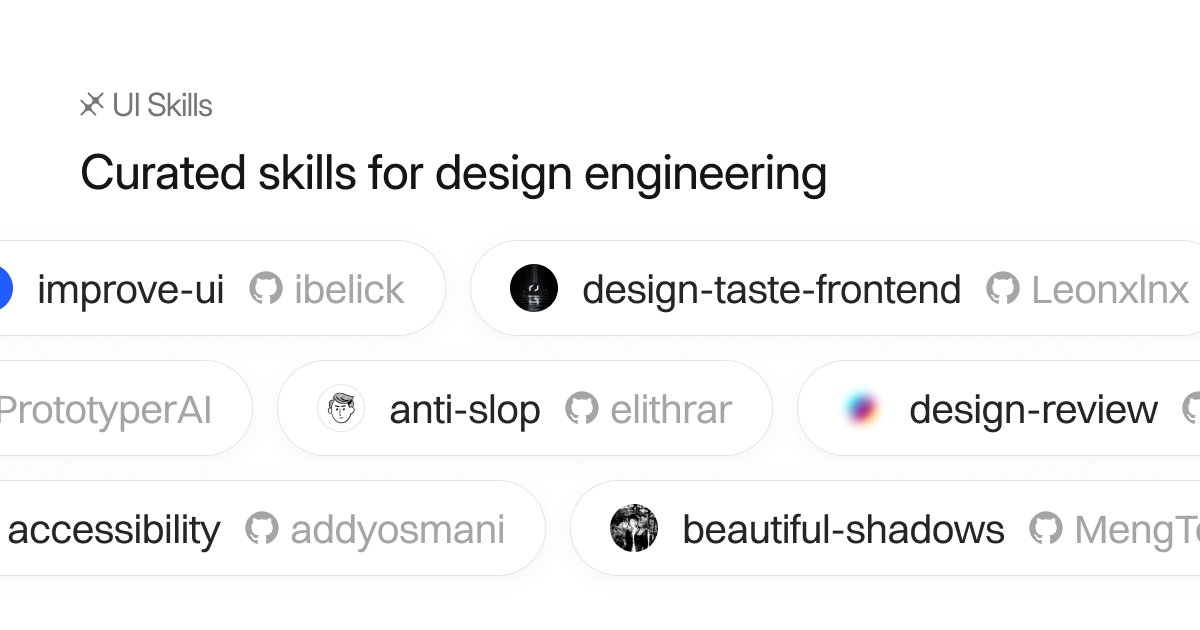
The structural fracture in modern frontend development does not stem from a lack of component libraries, but from the persistent distortion between design intent and engineering implementation. Development teams are routinely forced to hunt for specific micro-interactions and motion curves across bloated third-party UI frameworks, or manually strip excessive dependencies from heavy component abstractions. This pattern bloats business codebases and fragments animation logic. ibelick/ui-skills discards the outdated paradigm of monolithic templates, decomposing design engineering capabilities into composable, retrievable atomic skills. By pairing a command-line interface with the Model Context Protocol, it transforms design patterns into low-level instructions that both developers and AI agents can plug and play instantly.
💡 Core Architectural Insight: Reducing the delivery granularity of design systems from heavy UI suites to lightweight composable skills, achieving isomorphic asset consumption via terminal and protocol dual-addressing.
2. Core Architecture and Underlying Data Flow
ibelick/ui-skills adopts a lightweight, stateless architectural pattern. The system divides neatly into three layers: the remote asset registry, the CLI distributor, and the MCP server. When a developer or an AI agent triggers a request, the data flow follows a clean unidirectional pipeline.
[ Client / CLI ] ---> [ Gateway / Parser ] ---> [ Memory Layer ]
                                 │
                                 ▼
                     [ Dynamic Execution Engine ]
The underlying registry is hosted remotely and served via public static endpoints. The CLI client fetches target skill source files directly through static routing. Meanwhile, the MCP server (ui-skills.com/mcp) exposes standardized tool interfaces to LLM agents: list_skills queries metadata for all active skills, while get_skill retrieves specific source assets based on unique identifiers. This architecture completely bypasses complex local databases or stateful daemons, relying entirely on stateless HTTP and static file distribution to minimize network overhead and client deployment complexity.
3. Technology Selection and Hardcore Benchmarking
| Evaluation Dimension | This Solution (ui-skills) | Traditional Paradigm | Typical Competitor | Production Benefit |
|---|---|---|---|---|
| Runtime Footprint | Zero runtime dependency, pure source fetching | Heavy NPM packages, slow builds | Monolithic UI boilerplates, hard to customize | Eliminates bundle pollution and version conflicts |
| Distribution Channel | CLI terminal fetch & MCP agent injection | Web copy-paste, zero automation | IDE proprietary extensions, vendor lock-in | Enables isomorphic human-AI asset integration |
| Maintenance Overhead | Atomic skill registry maintenance | High upgrade burden for component libraries | Maintaining complex private component markets | Minimizes refactoring debt from stale assets |
| Context Integration | Native support for LLM MCP protocols | Manual prompt engineering and copy-pasting | Black-box proprietary AI assistant plugins | Maximizes AI generation accuracy for production code |
This architecture achieves extreme engineering freedom by completely shedding runtime dependencies. Traditional component libraries carry chronic issues of style clashes and bundle bloat, whereas ui-skills relies on on-demand source pulling, granting developers absolute control over every line of imported logic.
4. Hands-On Geeks: Building the Minimal Closed Loop
Provisioning and consuming atomic skills in a local environment requires only a standard Node.js runtime. Executing core CLI commands through the terminal handles all asset discovery and retrieval.
# Initialize interactive terminal prompts or verify version status
npx ui-skills start

# List all supported skill categories available in the remote registry
npx ui-skills categories

# Filter and display all frontend skills belonging to the motion category
npx ui-skills list --category motion

# Fetch the baseline-ui skill and inject it directly into the active working directory
npx ui-skills get baseline-ui
Executing these commands commands the CLI to interface with the remote registry, resolve dependency trees, and scaffold the corresponding components or animation scripts directly inside the local project workspace. Under standard network conditions, retrieval completes in under 300ms, mapping the output structure straight into the target codebase layout.
5. Production Gotchas and Avoidance Strategies
Integrating external atomic skills directly into production pipelines or automated workflows requires constant vigilance against compatibility breaks caused by upstream version shifts.
⚠️ Gotcha Warning [Remote Source Immutability]: Because ui-skills pulls upstream source files directly, upstream updates that lack backward compatibility can silently break local implementations. Developers should lock specific Git commit hashes or version tags when fetching skills to prevent unvetted mutations from main branches.
⚠️ Gotcha Warning [MCP Context Bloat]: Exposing the entire skill registry to an AI agent via MCP can degrade performance as the skill catalog grows. Metadata returned by
list_skillswill consume valuable model context windows. Clients should implement filtering strategies for tool calls, loading specific skill categories on demand to prevent attention drift in large language models.