
1. The Core Bottleneck: What Engineering Trap Does It Break?
Automated video editing has long been polarized between two inefficient paradigms. On one end, traditional Python scripts drive rigid ffmpeg batch pipelines with hardcoded decibel thresholds. These brittle heuristics choke on lengthened syllables or ambient noise, causing catastrophic word truncations and unnatural pauses. On the other end, emerging multimodal agent solutions attempt to feed thousands of raw frames directly into vision LLMs. A 10-minute multi-cam shoot at 1080p 60FPS contains over 36,000 frames. When processed through standard vision tokenizers, a single inference pass easily blows past 45,000,000 tokens. This brute-force ingestion introduces unsustainable latency, rapid context exhaustion, and prohibitive API costs.
The real failure mode emerges at cut boundaries. Even when multimodal models output approximate start and end timestamps, cuts without acoustic phase alignment produce jarring high-frequency pops caused by waveform discontinuities. Developers end up patching these flaws with fragile custom scripts, defeating the purpose of end-to-end automation.
browser-use/video-use introduces an architecturally disciplined solution: LLMs do not need to watch raw dynamic video to edit it; they need to parse structured operational events. By projecting raw footage into an audio transcription substrate and deferring visual inspection to discrete, on-demand decision boundaries, video-use circumvents the multimodal frame-dumping bottleneck entirely.
💡 Core Architectural Insight: Persistent context is reduced to a 12KB structured transcript packed with word-level timestamps via ElevenLabs Scribe, paired with an on-demand composite image (
timeline_view) rendering filmstrip frames, waveform audio, and subtitle tracks only at critical cut decisions.
2. Core Architecture and Underlying Data Flow
Instead of spinning up an isolated GUI stack, video-use operates as an integrated Skill harness compliant with Claude Code, Codex, or Hermes. The execution graph decouples into an audio ingestion layer, an LLM reasoning controller, a native rendering pipeline, and a closed-loop self-evaluation engine.
[ Raw Video Footage Directory ]
              │
              ▼
  [ ElevenLabs Scribe Pass ]
              │
   (Word timestamps + Diarization + Audio events)
              │
              ▼
   [ Build takes_packed.md (~12KB) ] ◄── Persistent Context
              │
              ▼
     [ Claude Code Reasoning ] ──(Boundary Ambiguity)──► [ timeline_view Composite PNG ]
              │                                                    │
              │ Emit Edit Decision List (EDL)                       ▼
              ▼                                           [ Agent Visual Inspection ]
   [ Local Rendering Engine ]
     ├── 30ms Audio Crossfade injection (Anti-pop)
     ├── Automated Color Grade pipeline
     ├── Dynamic Captions (2-word UPPERCASE)
     └── Sub-agent Animation dispatch (HyperFrames / Remotion / Manim)
              │
              ▼
      [ Output edit/final.mp4 ]
              │
              ▼
  [ Self-Evaluation Loop ] ──(Boundary Artifacts Detected)──► [ Auto-repair & Re-render (Max 3) ]
              │
          (Passed)
              ▼
[ Interactive Delivery + State Saved to project.md ]
The pipeline starts with audio decomposition. For all raw assets in the workspace, video-use executes an ElevenLabs Scribe extraction pass to capture millisecond-accurate word boundaries, speaker diarization, and non-verbal audio markers like (laughter) and (sigh). This metadata compiles into a single takes_packed.md file, typically sitting around 12KB. This compact representation serves as the primary context layer for the LLM.
For visual verification, the architecture exposes timeline_view. Instead of streaming video feeds to verify pacing or check for false starts, the system generates a targeted composite PNG on demand. This single graphic vertically stacks a 5-frame filmstrip, an audio waveform, word-level labels, and silence gap indicators. The model consumes this spatial layout in one token-efficient glance, obtaining full audiovisual alignment at exact decision boundaries.
During rendering, the Agent translates semantic cut points into an Edit Decision List (EDL) that orchestrates local ffmpeg binaries via modular Python helpers. Every cut point receives an automated 30ms audio crossfade to prevent high-frequency transients. Subtitles burn in as high-cadence two-word uppercase overlays. If motion graphics are requested, parallel sub-agents spawn to render assets via HyperFrames, Remotion, or Manim.
The final production safeguard is the self-evaluation loop. Prior to final artifact delivery, the system renders composite timelines of every cut boundary directly on edit/final.mp4. The Agent audits these frames for flash frames, subtitle collisions, or residual audio spikes. Any failure triggers automated timestamp adjustments and re-rendering, capped at three iterations. State persistence lives in project.md, ensuring continuous context across sessions.
3. Technical Trade-Offs and Competitive Matrix
A head-to-head architectural comparison against traditional automation and pure multimodal agent paradigms highlights the operational trade-offs:
| Dimension | video-use Harness | Traditional Scripts (ffmpeg/Regex) | Multimodal Video Agents (Native) | Production Benefit |
|---|---|---|---|---|
| Context Overhead | ~12KB text + sparse diagnostic PNGs | 0 Tokens (Deterministic rules) | 30,000+ frames = 45M+ Tokens | Eliminates context saturation and minimizes API spend |
| Cut Accuracy | Millisecond word alignment via Scribe | Naive dB silence thresholds drop syllables | Frame-level hallucination drifts ±1.5s | Prevents truncated words and syntactical breaks |
| Acoustic Continuity | Enforced 30ms crossfades per cut boundary | Requires complex manual audio filter graphs | Models cut blindly without phase alignment | Zero audible clicks or pop transients |
| Verification Loop | Automated multi-cut seam audit (Max 3 attempts) | None; script crashes or dumps bad output | Manual human QA on full renders | High first-pass success rate on delivered assets |
| Extensibility | Skill-based; spawns Manim / Remotion sub-agents | Monolithic, brittle shell scripts | Closed-source SaaS APIs with rigid schemas | Modular orchestration of native engineering tools |
video-use deliberately assigns tasks based on computational efficiency: low-cost system binaries handle heavy media transcoding and acoustic stitching, while the LLM focuses entirely on narrative structuring and editorial judgment.
4. Hands-on Engineering: Building the Minimal Closed Loop
Run through the following steps to configure the toolchain and inspect the core timeline compositing engine.
Environment Provisioning and Skill Registration
# 1. Clone repo and link directly into Claude Code skill manifest
git clone https://github.com/browser-use/video-use ~/Developer/video-use
mkdir -p ~/.claude/skills
ln -sfn ~/Developer/video-use ~/.claude/skills/video-use

# 2. Install workspace dependencies and media binaries
cd ~/Developer/video-use
uv sync
brew install ffmpeg yt-dlp

# 3. Configure ElevenLabs API credentials for acoustic alignment
cp .env.example .env
printf "ELEVENLABS_API_KEY=sk_test_mock_elevenlabs_token_here\n" > .env
Running the Composite Generator Programmatically
Before executing the full conversational agent workflow, verify the underlying multi-track timeline visualization script:
import sys
from pathlib import Path
# Import the core composite layout generator directly
from helpers.timeline import generate_timeline_view

# Target input footage and destination workspace
source_video = Path("./raw_footage/take_01.mp4")
output_debug_dir = Path("./edit/debug")
output_debug_dir.mkdir(parents=True, exist_ok=True)

# Generate a composite inspection strip across the target edit boundary (12.5s to 16.8s)
# Bundles waveforms, filmstrip thumbnails, and silence indicators for the LLM
print(f"[*] Generating composite visual timeline for: {source_video}")
composite_image_path = generate_timeline_view(
    video_path=str(source_video),
    start_sec=12.5,                # Precision start offset in seconds
    end_sec=16.8,                  # Precision end offset in seconds
    output_path=str(output_debug_dir / "cut_probe_01.png"),
    frame_count=5,                 # Number of video frames in filmstrip
    waveform=True,                 # Compute and overlay audio amplitude curve
    show_silence_gaps=True         # Flag sub-threshold audio segments
)

print(f"[+] Diagnostic strip rendered to: {composite_image_path}")
Triggering the Agent Pipeline
Navigate to your footage workspace and initialize Claude Code:
mkdir -p ~/Movies/demo_project/raw
# Drop your raw takes (e.g. C0101.MP4, C0102.MP4) into raw/
cd ~/Movies/demo_project
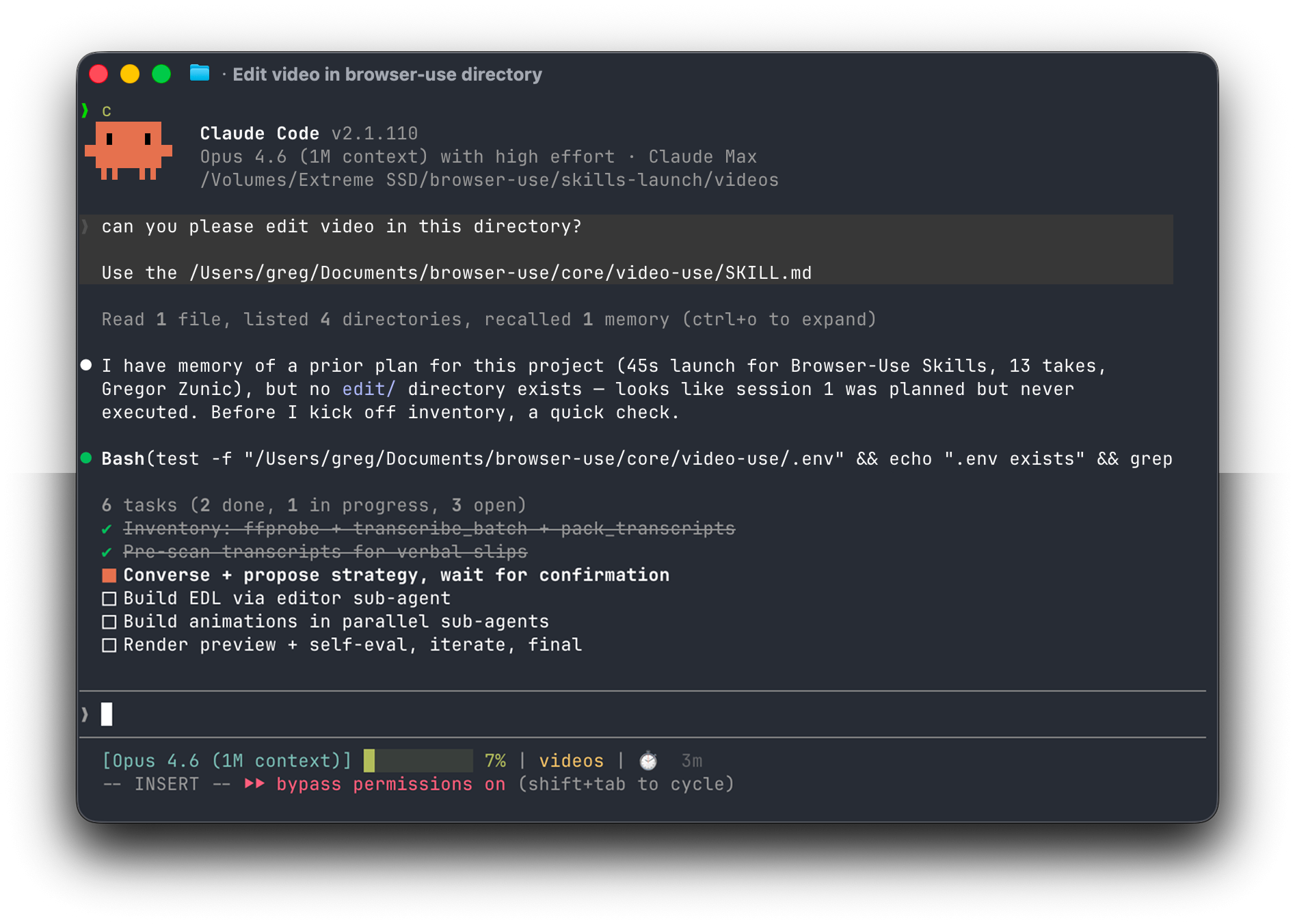
claude
Execute the edit command in your terminal session:
Scan raw/ in the current working directory, read takes_packed.md to extract speech, eliminate all filler words and retakes, assemble a continuous talking-head segment under 30 seconds, apply the warm cinematic color grade, and inject 30ms crossfades across every cut. Self-evaluate edit/final.mp4 before delivery.
Expected Artifact Tree
~/Movies/demo_project/
├── raw/
│   ├── C0101.MP4
│   └── C0102.MP4
├── edit/
│   ├── takes_packed.md          # Word-aligned single-file transcript index (~12KB)
│   ├── final.mp4                # Self-evaluated export with burned subtitles and audio fades
│   ├── final_edl.json           # Timecode execution map parsed by ffmpeg
│   └── evals/                   # On-demand verification strips rendered during QA
│       ├── cut_01_eval.png
│       └── cut_02_eval.png
└── project.md                   # Persistent session ledger capturing decisions and state
5. Production Edge Cases and Gotchas
Deploying video-use across larger pipelines exposes several practical operational constraints:
⚠️ Gotcha Warning [API Concurrency and Billing Traps]:ElevenLabs Scribe runs as a metered commercial endpoint. Dropping several hours of uncurated B-roll directly into the project will quickly trigger upstream API rate limits and run up service costs. Production orchestrators should run a lightweight voice activity filter locally (using
silero-vador ffmpeg silence detection) to prune non-vocal audio takes before dispatching jobs to Scribe.⚠️ Gotcha Warning [Headless Motion Graphic Failures]:Running Remotion or Manim sub-agents on a headless Linux VPS will crash with
Renderer process crashedif OpenGL or Chromium dependencies cannot locate an active display server. Ensure your production container initializes an X-virtual framebuffer by running tasks viaxvfb-run -a.⚠️ Gotcha Warning [Variable Frame Rate (VFR) Timecode Drift]:Raw footage captured via consumer mobile devices or screen recorders frequently outputs variable frame rates (VFR). If video-use performs millisecond-precise edits on VFR footage without a prior normalization pass, video tracks will gradually drift out of sync with word-level subtitles over a series of sequential splices. Always transcode source footage to a constant frame rate using
ffmpeg -i input.mp4 -vsync cfr -r 30 normalized.mp4before feeding assets into the editing loop.