
1. The Core Bottleneck
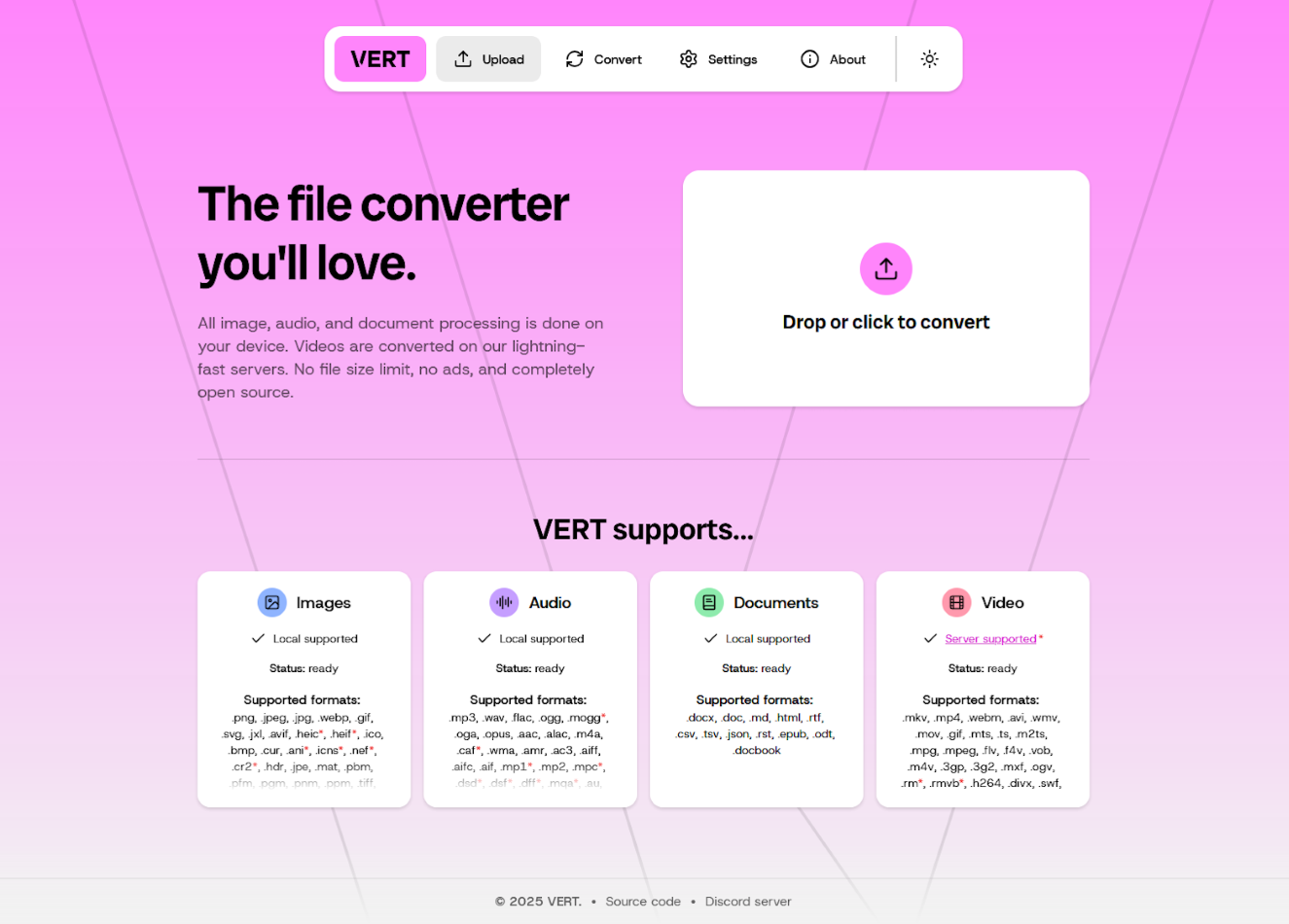
Traditional file conversion services have long relied on cloud server clusters to handle core computations. When users upload large video files, confidential documents, or high-resolution images, data must traverse public networks to remote nodes, encountering strict file size caps and severe privacy leakage risks. Enterprise users with rigorous compliance audits cannot delegate internal assets to third-party online conversion pipelines. VERT adopts a client-first architecture philosophy, using WebAssembly to load decoders and processing power directly inside browser local sandboxes, bringing computation closer to the data source and eliminating transit latency and cloud storage overhead.
💡 Core Architectural Insight: By compiling compute-intensive binary parsing logic into WebAssembly activated on the client side, this project achieves a serverless file processing loop.
2. Core Architecture and Data Flow Analysis
The project uses Svelte to construct the frontend control plane, while core conversion logic runs independently via WebAssembly modules loaded in client-side worker threads. When users load files through the web interface, parsing tasks are routed directly to the corresponding format-specific WASM instance. For standard images, audio, and documents, the entire lifecycle loops entirely within the browser sandbox; for rare complex video conversion scenarios requiring heavy system-level dependencies, a lightweight daemon is provided as an optional auxiliary channel supporting independent self-hosting to guarantee data sovereignty.
[ Client Browser / Svelte UI ] ---> [ WASM Local Execution Engine ] ---> [ Local Disk Download ]
                 │
                 └---> [ Optional Self-hosted Daemon (Video Only) ]
Regarding engineering trade-offs, the team avoided blindly pursuing 100% pure browser-based video transcoding, recognizing browser performance limits when handling advanced video codecs. By keeping local-first as the default contract while opening containerized deployment paths for the lightweight daemon, the architecture balances general utility with edge extreme-case compute requirements.
3. Technology Selection and Hardcore Benchmarking
| Evaluation Dimension | This Solution (VERT) | Traditional Paradigm | Typical Competitor | Production Benefit |
|---|---|---|---|---|
| Compute Location | Browser WASM / Local Daemon | Cloud Server Cluster | Third-party SaaS Platform | Zero Server Cost & Absolute Privacy |
| File Size Limit | No strict cap (bound by client RAM) | Typically capped at 100MB-2GB | Strict free tiers & paywalls | Handle massive batch processing |
| Privacy & Compliance | Zero data leaves local device | Data retention & interception risks | Third-party server log retention | GDPR & Enterprise compliance |
| Deployment Ops Cost | Zero backend cost (static hosting) | Maintain high-spec transcoding pools | Pay-per-call API billing | Zero R&D and Ops budget |
This comparison matrix exposes the fragility of centralized cloud architectures. Shifting compute boundaries to user devices eliminates bandwidth expenses and cuts off man-in-the-middle attack surfaces entirely.
4. Hands-on Geek Practice: Building the Minimum Closed Loop
Developers can clone the official repository and launch the Svelte development environment locally to run a VERT instance. The following outlines the minimum build closed loop using Docker or local Node.js.
Clone the repository and install dependencies:
# Clone official VERT source repository
git clone https://github.com/VERT-sh/VERT.git

# Navigate to project root directory
cd VERT

# Install frontend project dependencies
npm install
Launch the local development server for debugging:
# Start Svelte local hot-reload development server
npm run dev
To deploy in production or enable full video server-side processing capabilities, deploy the daemon using Docker according to documentation:
# Run official self-hosted daemon (vertd) via Docker
docker run -d -p 8080:8080 ghcr.io/vert-sh/vertd:latest
After executing these commands, visit http://localhost:5173 to enter the localized immersive file conversion interface where all WASM modules load on-demand on the client.
5. Production Deployment Gotchas
When introducing this architecture into production systems or internal enterprise private deployments, engineers must remain cautious regarding browser memory limits and video fallback strategies.
⚠️ Gotcha Warning: Client Memory Limits: When processing multi-gigabyte videos or ultra-high-resolution images, browser tab JavaScript heap and WASM linear memory may hit browser hard limits, causing tab crashes. Consider adding chunked reading on the frontend or prompting users to switch to the self-hosted daemon.
⚠️ Gotcha Warning: CORS and Shared Memory Configuration: When compiling and hosting WASM files independently, ensure response headers correctly configure
Cross-Origin-Opener-Policy (COOP)andCross-Origin-Embedder-Policy (COEP). Otherwise, browsers will blockSharedArrayBuffer, causing multi-threaded parsing engine initialization to fail.