
1. The Core Bottleneck: What Engineering Flaw Does It Pierce?
When distributed systems fail in production, locating the root cause requires jumping across log aggregation platforms, metric dashboards, distributed traces, static runbooks, and Slack threads. This fragmented evidence chain renders traditional automation scripts helpless when facing novel incidents. While coding agents have gained scalable training data and clear feedback loops via benchmarks like SWE-bench, production incident response remains isolated without an equivalent standard. Distributed failures are slower, noisier, and harder to simulate or evaluate than local code tasks.
Tracer-Cloud/opensre builds an open reinforcement learning environment for agentic infrastructure incident response, complete with end-to-end tests for realistic production failures. The framework provides customizable AI SRE agents while maintaining a semantic test catalog that cleanly separates end-to-end, unit, local, and cloud boundaries.
💡 Core Architecture Insight: By aligning cloud-native observability toolchains with LLM-driven execution loops at the protocol level, opensre transforms unpredictable human firefighting into reproducible automation state machines.
2. Core Architecture and Data Flow Analysis
The architecture of opensre revolves around the interactive shell, distributed gateway, dynamic execution engine, and memory distillation layer. When a user issues a natural language query via the terminal, the parser routes it to the gateway, which coordinates over 60 integrated tools for dynamic probing.
[ Client / CLI / Python API ] ---> [ Gateway / Parser ] ---> [ Memory Layer ]
                                              │
                                              ▼
                                [ Dynamic Execution Engine ]
                                              │
                     ┌────────────────────────┴────────────────────────┐
                     ▼                                                 ▼
        [ 60+ Cloud Tool Connectors ]                     [ Sandbox / Test Runner ]
The engineering team made deliberate trade-offs in modular decoupling. To ensure production safety, tool execution requires explicit user approval by default, and external dependencies can be verified using the /integrations verify command. The gateway supports standalone systemd image deployment and containerized distribution to satisfy enterprise network isolation and compliance requirements.
3. Technology Selection and Hardcore Performance Benchmark
| Evaluation Dimension | This Solution (opensre) | Traditional Approach | Typical Competitors | Production Benefit |
|---|---|---|---|---|
| Architectural Form | Dual-mode embedded REPL and Headless CLI | Static Bash scripts or proprietary platforms | SaaS-closed monitoring alert bots | Local data privacy, supports multi-turn conversations and state retention |
| Tool Integration | Native integration with 60+ production tools | Manual glue code for API integrations | Supports limited mainstream APM vendors | Eliminates secondary development overhead, rapid integration with existing infrastructure |
| Evaluation & Feedback | Built-in real production failure tests and RL environment | Systematic evaluation lacking, relies on post-mortems | Static rule matching without adaptive learning | Provides reproducible benchmarks to continuously optimize agent decision accuracy |
| Deployment Flexibility | One-liner script, AMI image, and Docker container | Heavy reliance on specific cloud vendor PaaS | Restricted to specific cloud provider subscriptions | Fits multi-cloud and hybrid deployment architectures |
opensre discards the pure SaaS custody model in favor of a separated local client and gateway design, balancing enterprise data compliance with developer debugging agility. The built-in REPL terminal allows developers to adjust session strategies in real-time during an active incident without context switching.
4. Hands-on Engineering: Building a Minimal Closed-Loop
Run the official installation script in a macOS or Linux terminal to download the binary and configure the system path:
curl -fsSL https://install.opensre.com | bash -s -- -gh
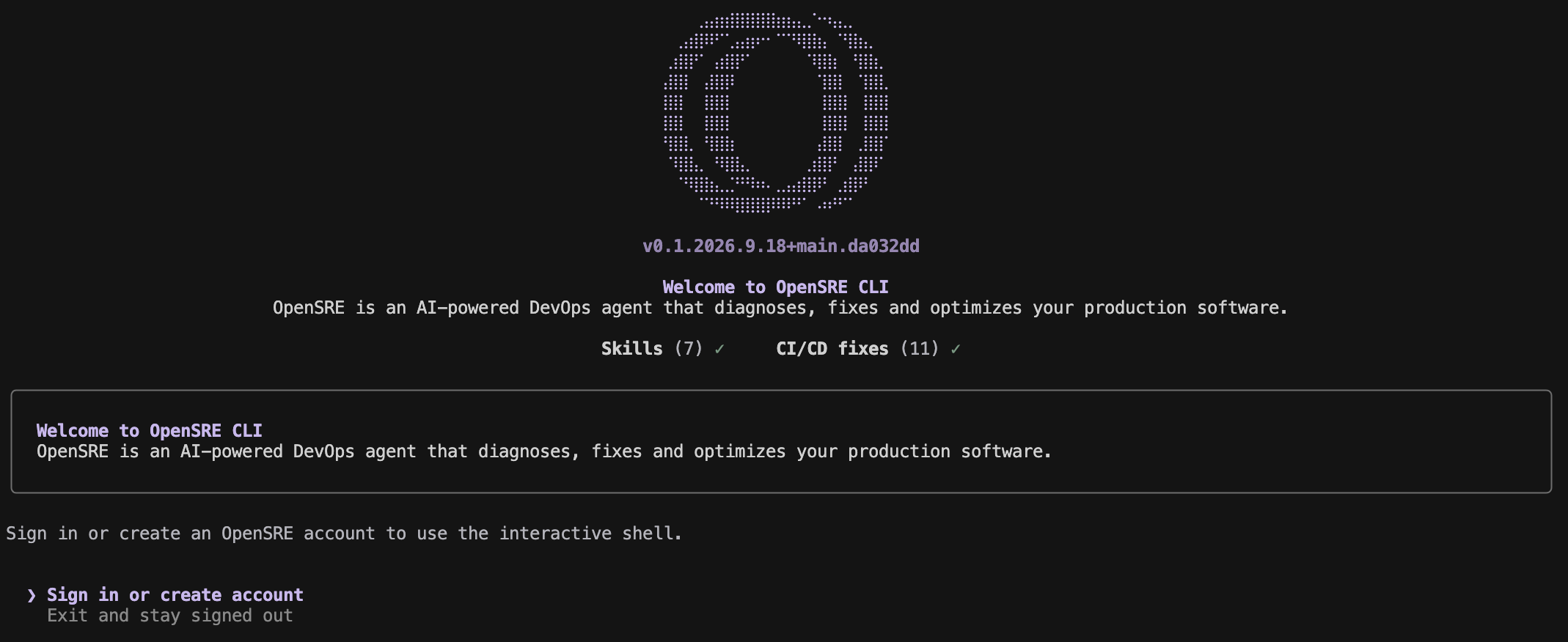
Once installed, launch the interactive shell to authenticate and activate the hosted model:
spr
To embed agent logic directly into Python backends or automation scripts, invoke the embedded session interface. The following script demonstrates driving an agent programmatically to diagnose service performance bottlenecks:
from bootstrap.embedded import start_embedded_session

# Initialize and start an embedded OpenSRE session instance
session = start_embedded_session()

# Send a natural language incident query to the agent
result = session.chat("why is checkout-api slow?")

# Check if the agent successfully answered and print the response text
if result.answered:
    print(result.primary_response_text)
Run opensre ask "why is checkout-api slow?" to execute a single turn in headless mode, piping the output directly into CI pipelines or alerting scripts.
5. Production Deployment Pitfalls and Gotchas
⚠️ Gotcha Warning: Public Gateway Exposure: In self-hosted container deployments (such as AWS ECS or Railway), never expose unauthenticated database states (
DATABASE_URL) and gateways directly to the public internet. Ensure proper organizational isolation and API token authentication to prevent leaking sensitive infrastructure states.⚠️ Gotcha Warning: Token Explosion in Long Sessions: During complex multi-turn incident troubleshooting sessions in the REPL, the context window expands rapidly. Make use of the
/compactcommand to distill session state or monitor token consumption with/costto avoid unexpected high API bills.